Applies to: WebinarJam and EverWebinar
When someone registers for a webinar, they receive a unique attendee room link that allows them to join the webinar or access the replay.
How this link works depends on the webinar platform and schedule type. In some cases, the link works only for a specific session, while in others it can be used for multiple sessions.
The sections below explain how attendee room links behave in WebinarJam and EverWebinar.
Quick overview
| Webinar type | Room link behaviour |
| WebinarJam single session | Link works only for the selected session |
| WebinarJam multiple or recurring sessions | Link can be used for any session of that webinar |
| EverWebinar automated sessions | Link works only for the selected session |
WebinarJam
Single sessions
For webinars with a single scheduled session, each registrant receives a room link that allows them to join that specific session.
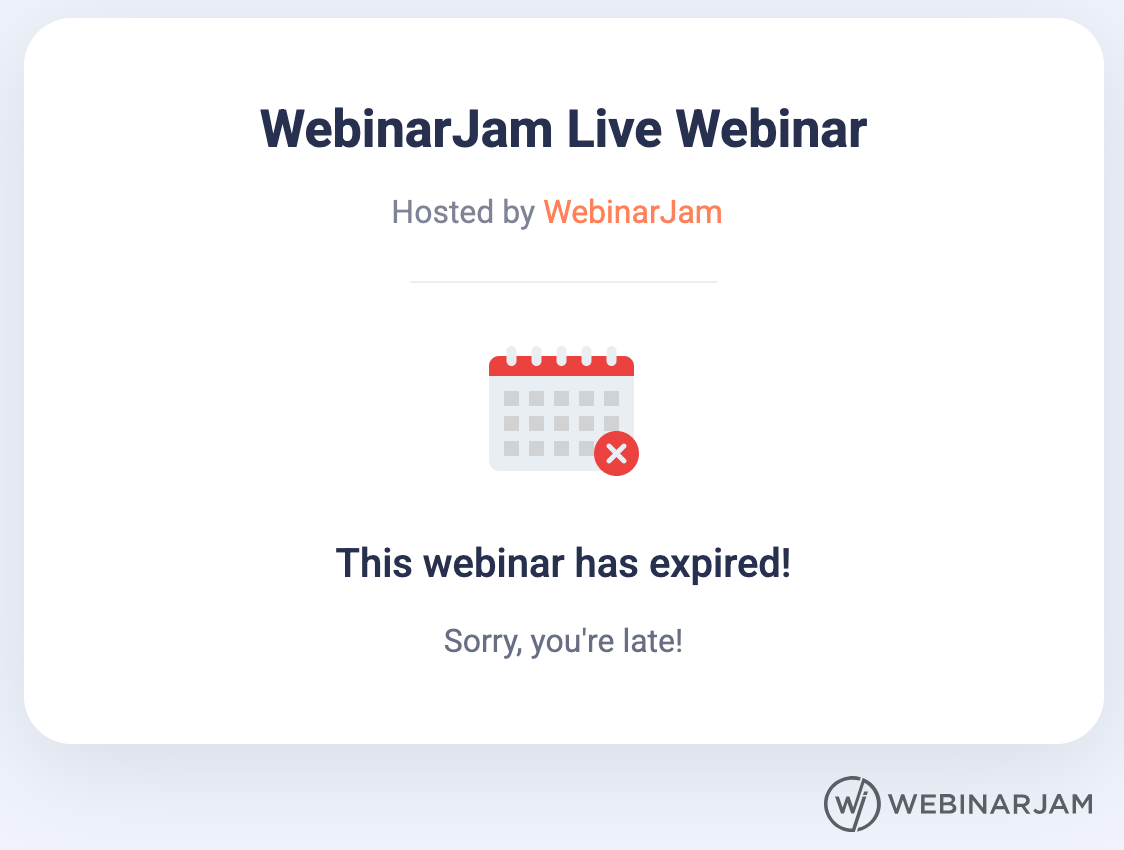
If the attendee tries to join a different session using the same link, it will not work. The system will show a message stating that the webinar has ended.
Multiple and Recurring sessions
For webinars scheduled with multiple or recurring sessions, the unique room link will work for any session of that webinar.
This ensures attendees can easily access the live room, even if they cannot find the exact link for a particular session.
Replay Links
If you are sending a replay link via webinar notifications, the unique replay link works only for the chosen session, regardless of the schedule setup.
You can find the general replay links for every session under the Your Links > Replay tab in your account.
EverWebinar
In EverWebinar, both the unique room link and the unique replay link work only for the session the registrant signed up for.
If an attendee tries to use the same link to join another session, they will not be able to access it.
Pro tip
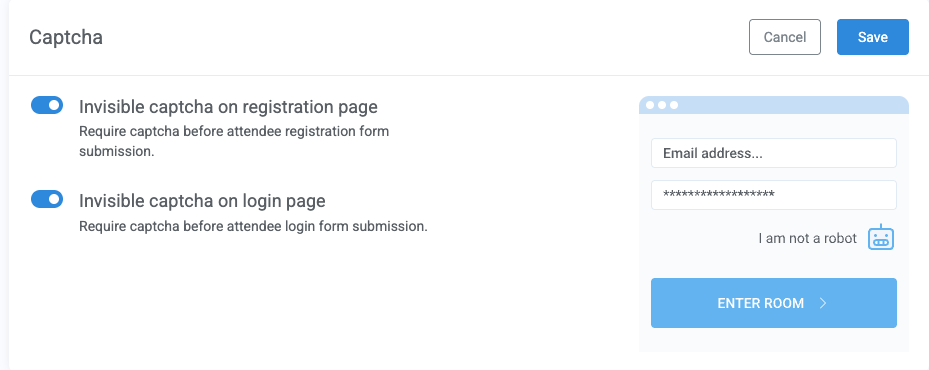
Use invisible captcha to help prevent bot submissions on webinar registration and login pages. Enable it under the Registration tab > Captcha to add bot protection without requiring attendees to complete a visible captcha challenge.