
Applies to: WebinarJam
Use the Agenda to plan and organize your webinar presentation. You can either generate an agenda with the AI Agenda Planner or add your own outline manually.
To access the agenda module, go to Live > Agenda in the webinar configuration wizard.
Generate an Agenda with AI
Use the AI Agenda Planner to automatically create a structured outline for your webinar.
- Go to Live > Agenda in the webinar configuration wizard.
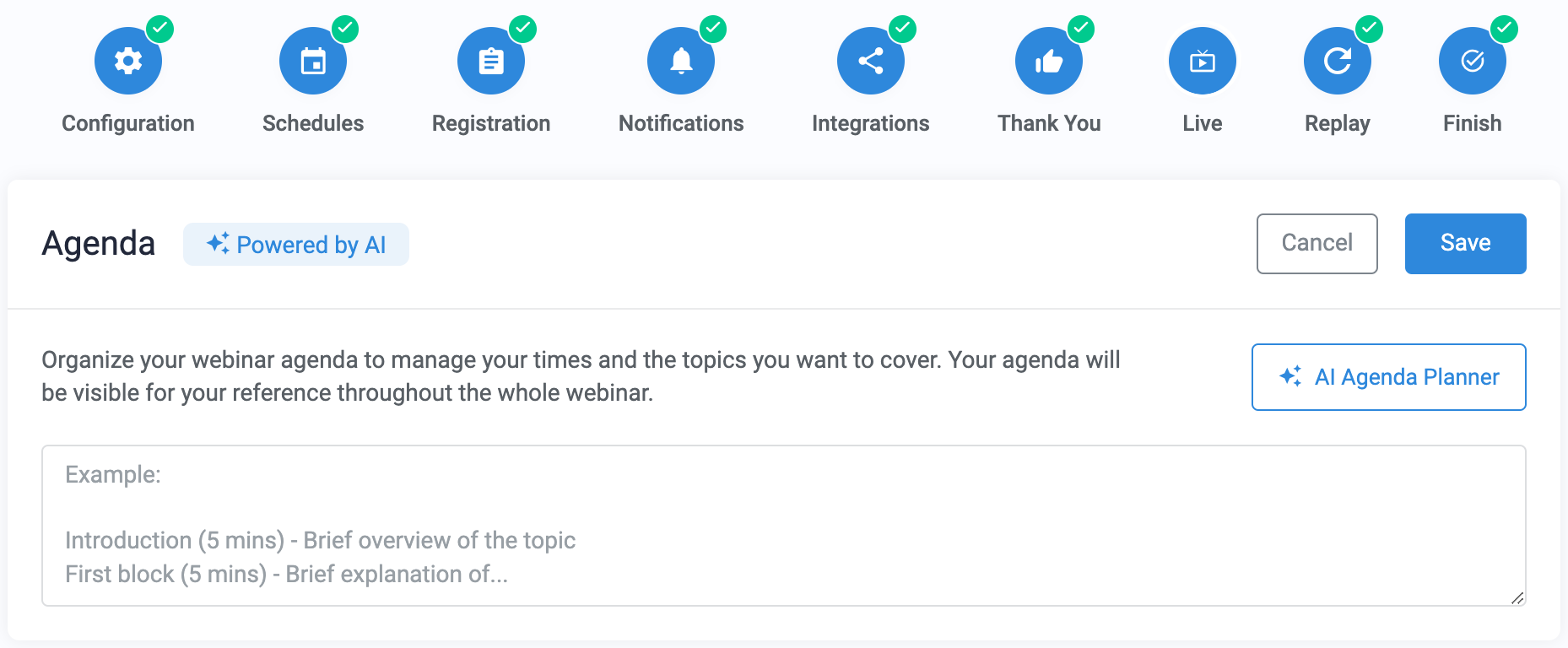
- Click AI Agenda Planner to open the AI creation tool.
- Enter details about your webinar:
- Duration
- Topic
- Target audience
- Goal of the webinar

- Click Generate agenda.
- Review the generated agenda. The outline typically includes:
- Introduction
- Main sections or discussion points
- Q&A segment
- Conclusion
- Suggested duration for each section

- Click Replace full agenda to add the generated content to the Agenda module.
- Save the Agenda module and complete the webinar setup wizard
Note: Replacing the agenda will overwrite any content currently saved in the Agenda module. To generate a different outline, click Generate a new agenda in the planner tooltip.
Manually add an agenda
If you prefer not to use AI, you can add your own agenda.
- Go to Live > Agenda in the webinar configuration wizard.
- Copy and paste your agenda or outline into the Agenda text field.
- Click Save.
Your agenda will be added to your webinar resources and will appear during the live event.
AI Best Practices
When using AI tools, keep the following guidelines in mind:
- Be specific in your prompts. Detailed topics produce more focused results.
Example: Instead of “Talk about personal coaching,” try “Explain three ways personal coaching benefits small business owners.”
- Avoid entering private or personal details into an AI tool that you wouldn’t post publicly online. All AI engines “learn” from the queries they receive, which means that your entries may be stored by the tool.
- Review and verify AI-generated content. AI tools can produce incorrect information, so always check important facts before using them in your presentation.
Pro tips
- The AI Agenda Planner generates content in the language selected in Configuration > Basic settings.
- Review the suggested time estimates and adjust them if necessary to match your planned presentation length.
- The agenda is visible to presenters and moderators in the Live Room and Control Panel.
- You can edit the agenda or add notes during the webinar to adjust your presentation plan.