
Applies to: WebinarJam and EverWebinar
Your dashboard is the central place to access your webinars, manage events, and navigate between tools.
From here, you can create new webinars, update existing ones, and view performance data.
After logging in:
- Click Access to launch WebinarJam or EverWebinar.
- If your plan includes only one tool, the other will appear locked.

You can switch between tools at any time using the logo at the top of the screen.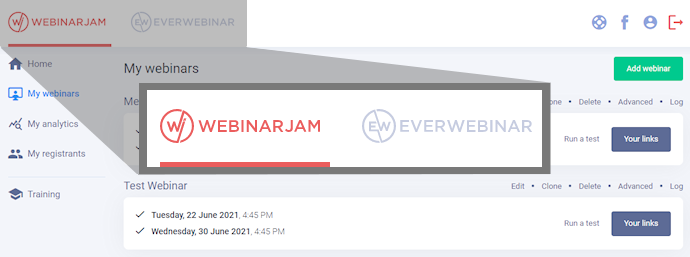
Navigate the left menu
Use the left-side menu to move between key areas:
- Home: switch between WebinarJam and EverWebinar
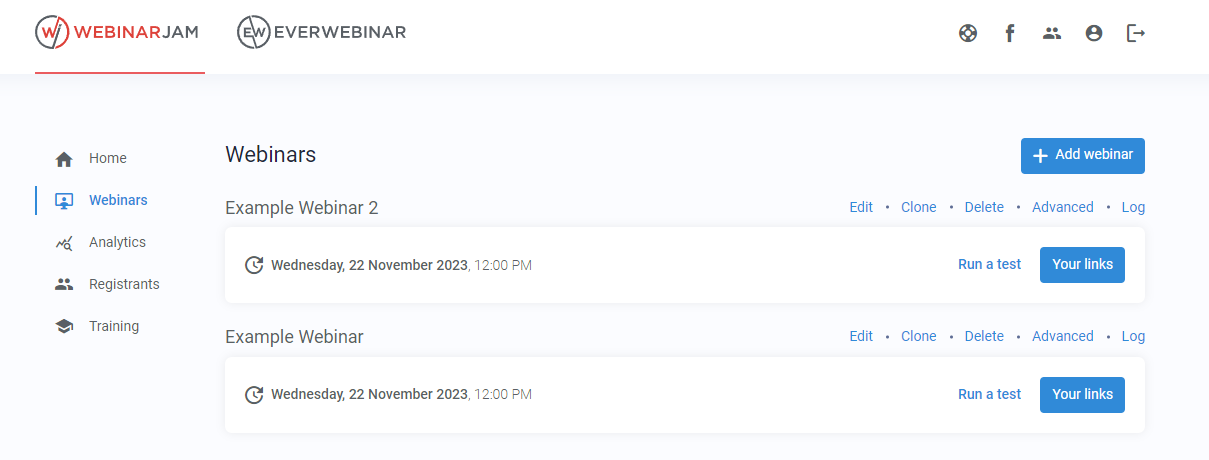
- Webinars: view and manage all your webinars
- Analytics: track webinar performance
- Registrants: view and manage registrant data
- Training: access the knowledge base
Manage webinars from the dashboard
The main dashboard for the tool shows all configured events in descending order by creation date.
Configure and manage webinar sessions from the main dashboard:
- Add webinar to create a new event
- Edit to modify an existing event
- Clone to duplicate an existing event
- Delete to delete an event and all its records (attendee list, analytics, and replay)
- Advanced controls give access to goal tracking, one-click registration, and API integration
- Log gives access to download the chat for a completed webinar, see survey and poll results, and view pending questions from the replay