
Applies to: WebinarJam and EverWebinar
You can connect your own SMTP gateway to send webinar notification emails through your preferred email provider instead of using the default mailing system.
When configured, WebinarJam sends notification emails (such as confirmations and reminders) through your SMTP server. Email content and scheduling remain controlled inside your webinar account.
Important: If you have not yet connected your SMTP provider, see Integrate SMTP Gateway for Webinar Notifications
How SMTP routing works
- Email templates and timing remain managed inside WebinarJam.
- Your connected SMTP server delivers those emails.
SMTP changes the delivery method only. It does not replace WebinarJam’s notification creation system.
Enable SMTP for your webinar
To enable the integrated SMTP service:
- Edit your webinar.
- Go to the Notifications tab.
- Under Your Email Gateway choose Your own SMTP Gateway.
- Click Save.
- Create the confirmation and reminder emails as per your liking under the Reminder notifications section.
Email send-from and reply-to settings
When using an integrated SMTP gateway:
- Notification emails are sent from the Sender Email address configured in your SMTP integration settings.
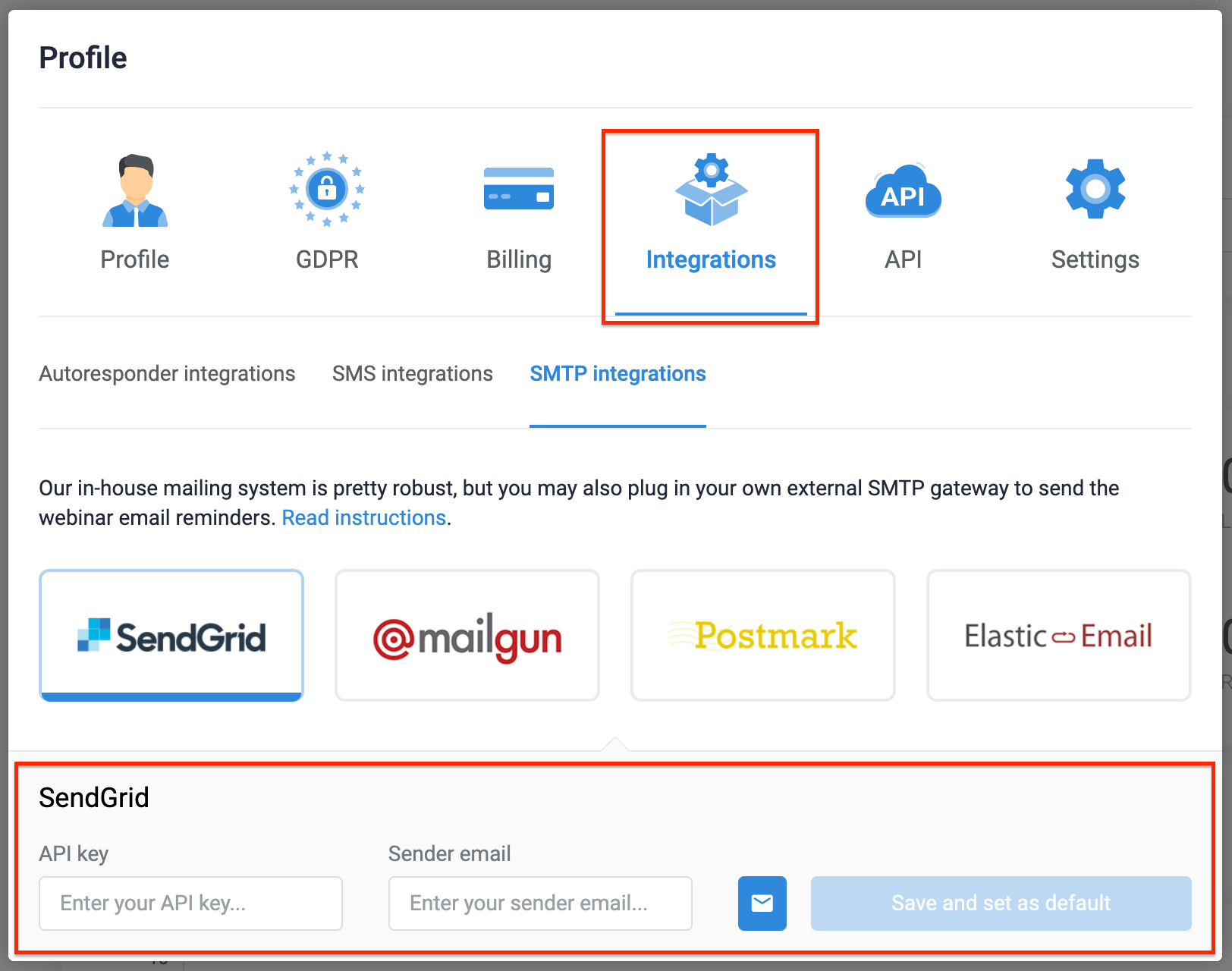
- This address is used as both the send-from and reply-to address for all webinar notifications.
- The sender name displayed to registrants is the webinar host’s full name. The webinar host is configured inside the webinar setup under Configuration > Webinar Presenters. Learn more about viewing and editing the webinar host.
Test email delivery
WebinarJam and EverWebinar cannot verify the status of your SMTP account or validate the API credentials you provide.
When a webinar notification is scheduled, WebinarJam sends an outbound API request to your connected SMTP provider using the credentials saved in your integration settings. Your SMTP provider is responsible for accepting and delivering the email.
A few important things to remember:
- If the SMTP credentials are invalid or the provider rejects the request, the email will not be delivered.
- Failed messages are not automatically retried.
- You will not receive a system alert in WebinarJam or EverWebinar if delivery fails.
To ensure correct configuration:
- Confirm your SMTP credentials are valid and active.
- Verify your SMTP account is in good standing.
- Send multiple test notifications before opening registration to the public.
- Confirm that test emails are delivered successfully to your inbox.