
Applies to: WebinarJam and EverWebinar
At WebinarJam, we are dedicated to providing our customers with exceptional support and a seamless experience. To contact our support team, we recommend that you log in to our Help Center and submit a ticket or start a conversation in your WebinarJam/EverWebinar account.
Contact support from the Help Center
To get help, log in directly to the Help Center using your account credentials.
From there, you can submit a support ticket through the Submit a ticket option at the top.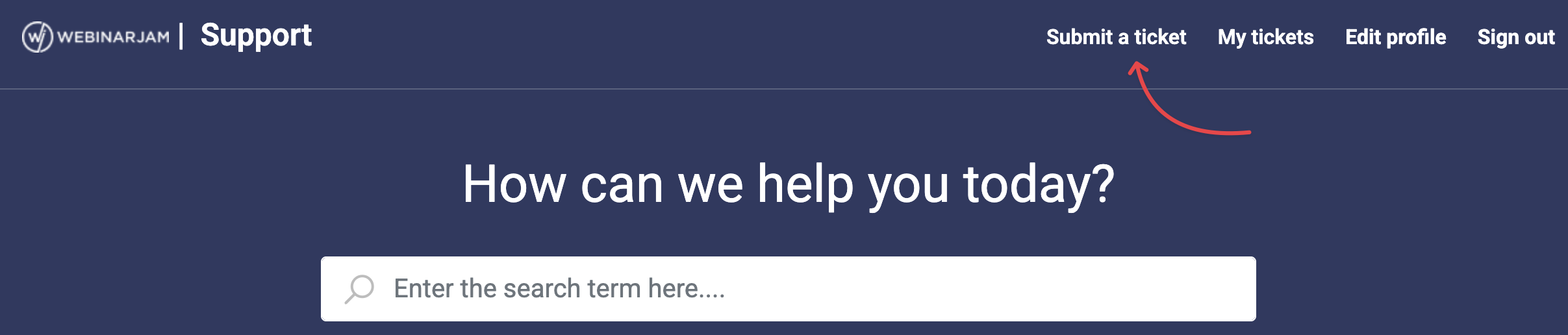
Contact support from the account
Inside your account, start a chat by clicking on the Help icon on the bottom right of your screen.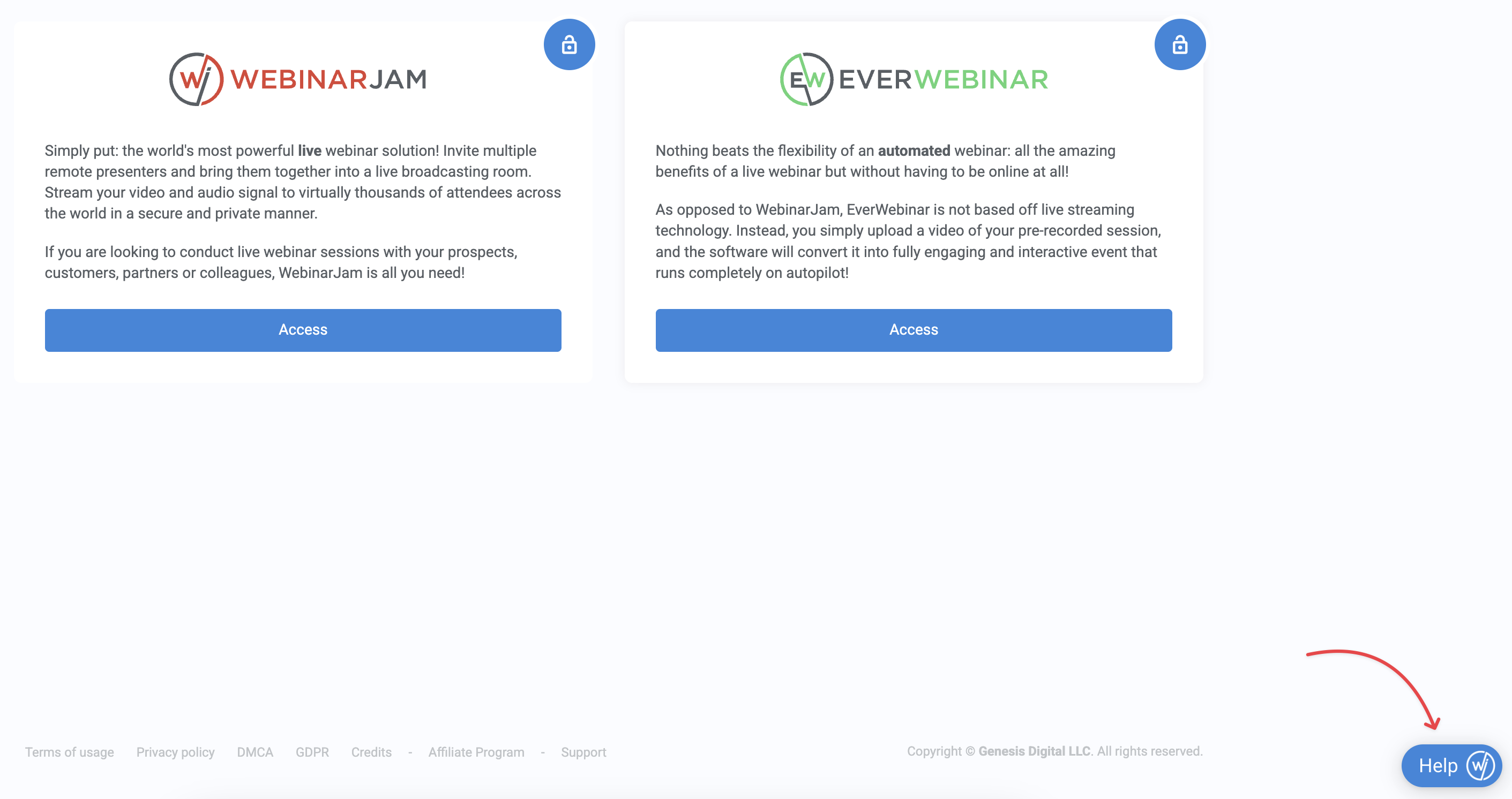
If you cannot login
- Make sure you use the same credentials as you use to login to the WebinarJam app.
- If you do not remember your credentials, please reset your password on the WebinarJam account login page.
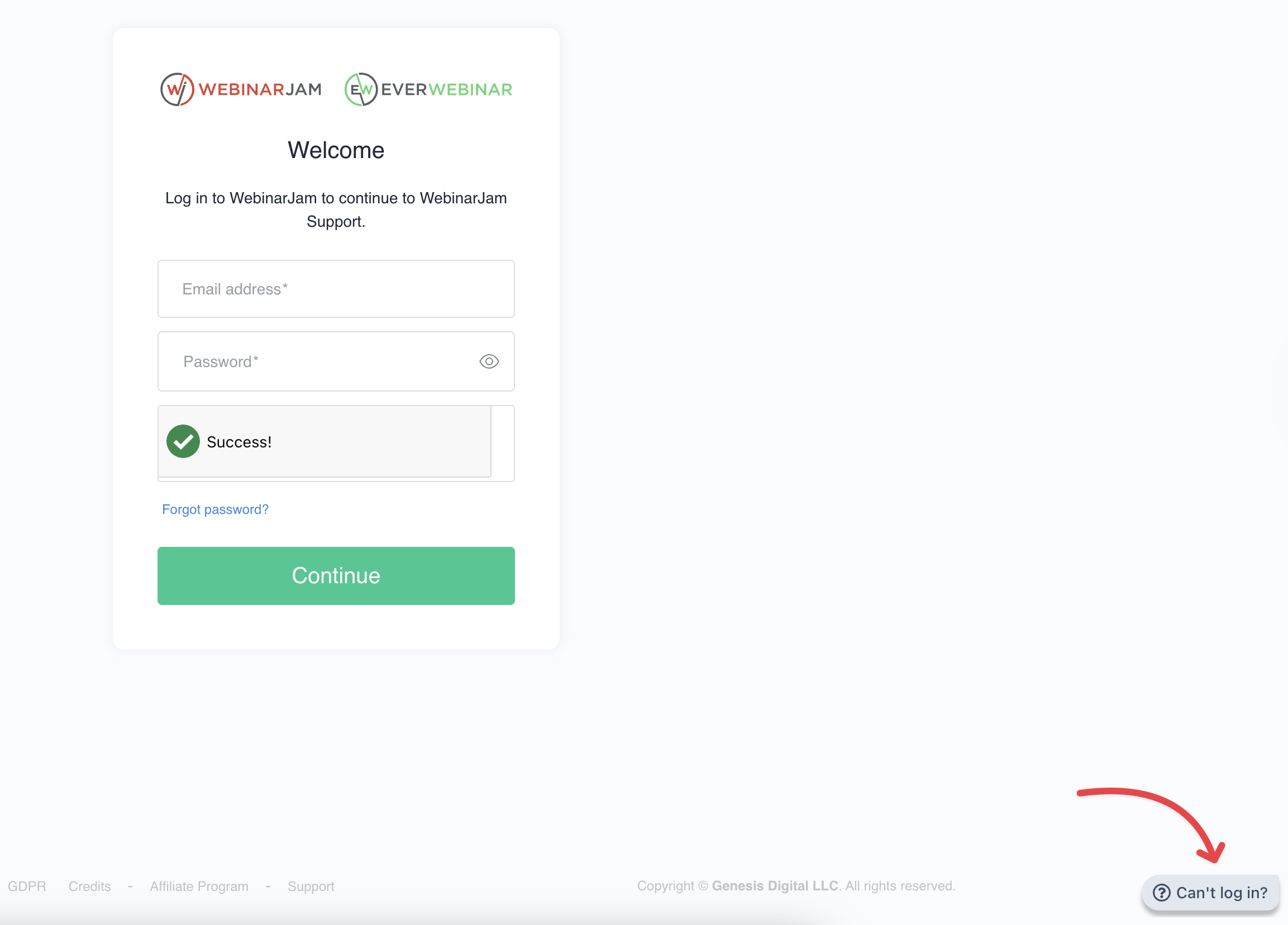
- If you need help, click the “W/EW” bubble in the bottom right corner of the login screen to use the WebinarJam Login Helper and submit a ticket for assistance from our team.
Not a WebinarJam or EverWebinar Customer?
Please navigate to the Plans & Pricing on the WebinarJam website and chat with one of our account representatives about getting started with us!