
Applies to: WebinarJam and EverWebinar.
Send webinar reminders by text message with a Twilio SMS integration.
Before you begin
To send SMS reminders, you must first integrate Twilio with your account. Learn how to integrate Twilio.
Good to know:
Only one SMS reminder is available, and it applies only to the Last minute notification, which is sent 15 minutes before the scheduled session.
If a reminder email is enabled, you can delete it if you prefer to send only an SMS.
Add an SMS reminder
- Edit your webinar
- Go to Notifications > Reminder notifications
- Click Add SMS next to Last minute notification

- Compose the text message
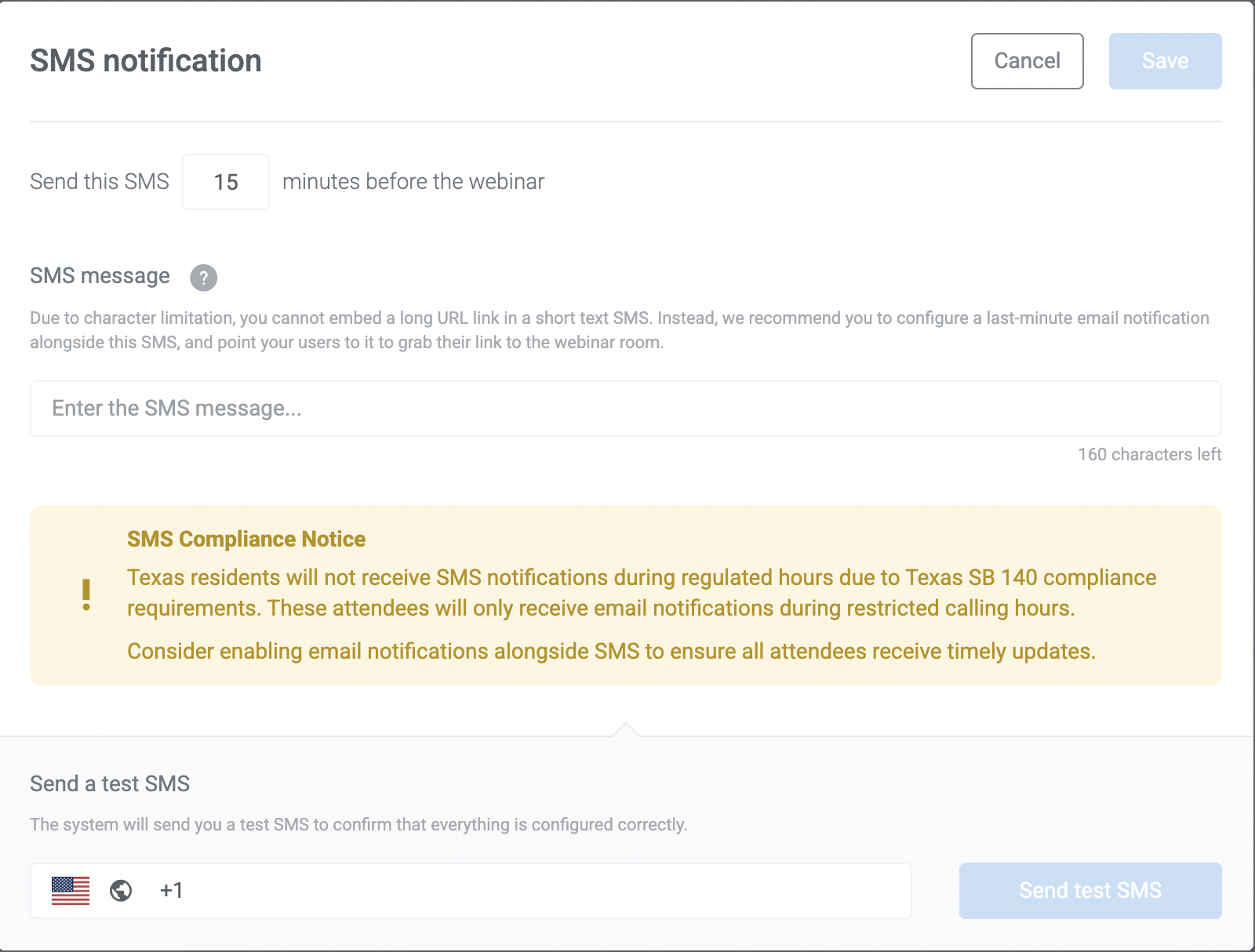
- Click Save
Important:
To comply with Texas SB 140 regulations:
- SMS and voice calls to Texas residents are limited to:
- Monday to Saturday: 9 AM – 9 PM
- Sunday: 12 PM – 9 PM
- SMS reminders should not include direct webinar links. Instead, remind attendees to check their email for their access link and final instructions.
- You can verify whether a registrant agreed to your SMS Privacy Policy in the Registrants table under the Twilio Consent column (scroll to the far right).